Trade show business card capture often starts as phone photos, loose cards, handwritten notes, and delayed follow-up. By the time the team returns, supplier context and buyer interest may already be unclear.
Solution
CardFlow keeps follow-up organized
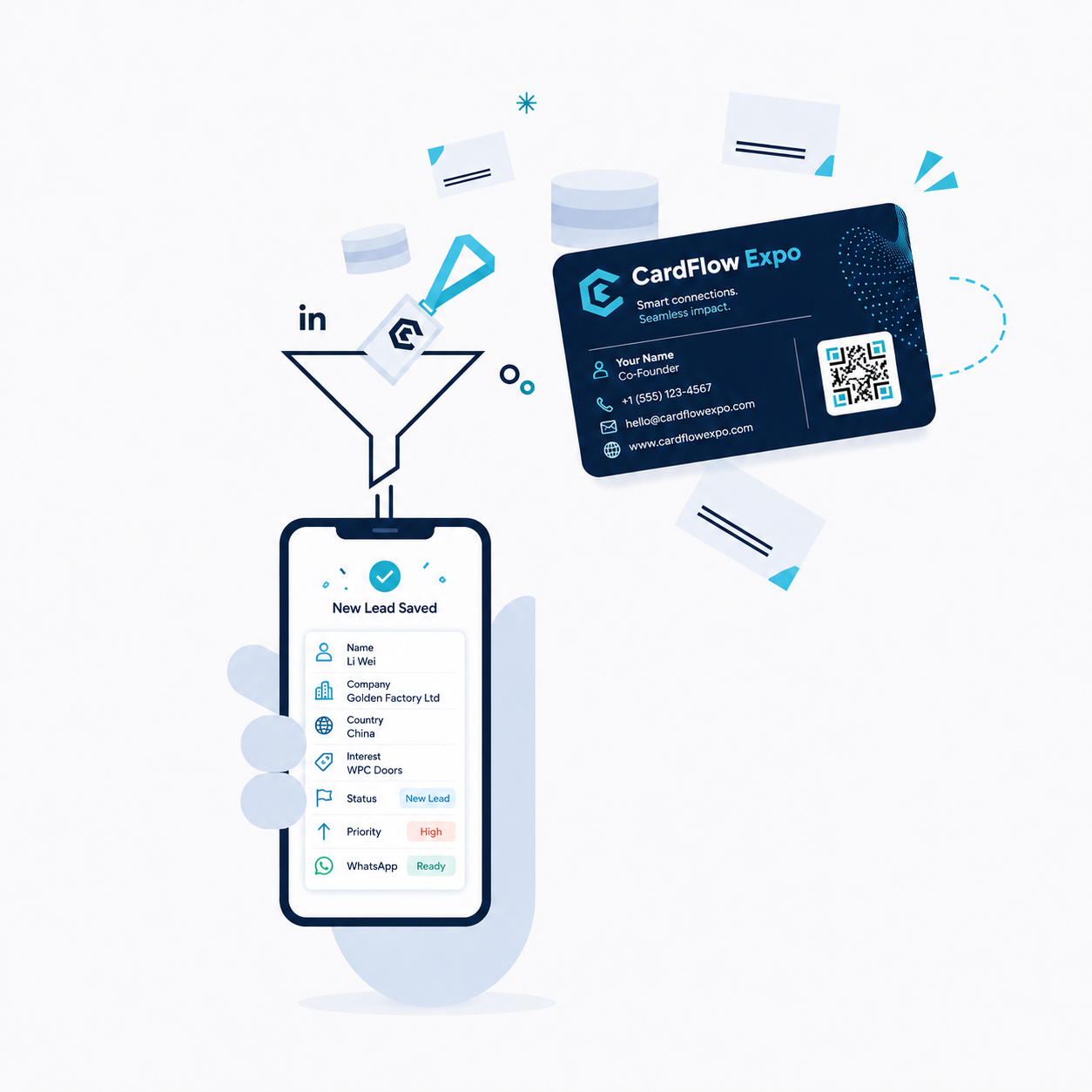
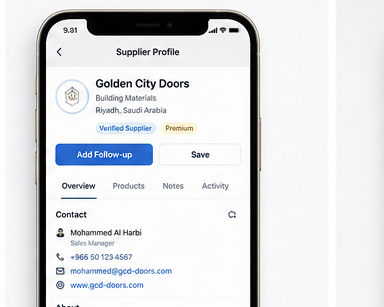
Photograph one card in good light with all edges visible. Review the extracted name, company, email and international phone number against the original image, then confirm Save. In Buyer Mode, organize the supplier under the exhibition with products and notes. In Exhibitor Mode, record visitor interest and the next follow-up action. Use a QR visitor form when someone has no business card. Manual entry remains available if extraction fails.
Key features
Mobile-friendly business card capture for Android and web
OCR and AI-assisted extraction with manual review before saving
Save the reviewed contact after confirmation, without retyping every field
Supplier organization with profiles, products, notes, and exhibition context
Follow-up reminders and priority status for post-show action
QR visitor forms for exhibitors when visitors do not carry cards
Buyer mode for sourcing teams and exhibitor mode for booth lead capture
CSV export on eligible plans for reporting or CRM handoff
CardFlow Expo يساعدك على مسح بطاقات العمل، مراجعة نتائج OCR، حفظ بيانات العملاء أو الموردين، تنظيم المتابعة بعد المعرض، واستخدام نموذج الزوار عبر QR عند الحاجة.
FAQ
What is trade show business card capture?
It is the process of capturing business card images at exhibitions, reviewing extracted contact details, saving the contact, and connecting it to notes or follow-up actions.
Can CardFlow Expo scan business cards at trade shows?
Yes. CardFlow Expo lets users capture or upload a business card image, run OCR and AI-assisted extraction, then review the suggested contact fields before saving.
Does CardFlow save contacts automatically?
Not without confirmation. OCR and AI prefill suggestions; you review, correct and save the record. Check phone country codes and email spelling, and use manual entry if the image cannot be read.
Can exhibitors use QR visitor forms too?
Yes. Exhibitors can use QR forms for visitors, while buyers can use business card scanning for supplier contacts. The two modes support different exhibition workflows.
Can I export contacts after the show?
Eligible paid plans can export supplier and lead data to CSV for reporting, sales handoff, or follow-up workflows.