Install on Android
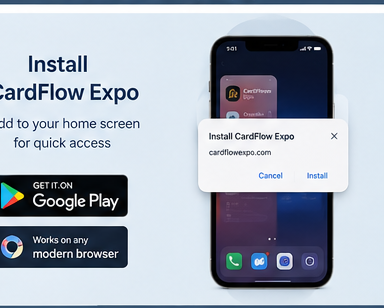
- 1Open the Google Play testing link or the public Play Store listing when available.
- 2Install CardFlow Expo.
- 3Open the app, log in, and test camera/OCR from your Android device.
Use CardFlow Expo from Android, iPhone Safari, or desktop browsers. The Android app is prepared as a Trusted Web Activity for Google Play.
Camera and OCR tip
For the best scanning experience, allow camera access when prompted and take a clear photo of the business card in good light. OCR and AI suggestions should always be reviewed before saving.
Testing CardFlow on Android
If you are part of Google Play Closed Testing, follow the Android tester onboarding steps before reporting issues.