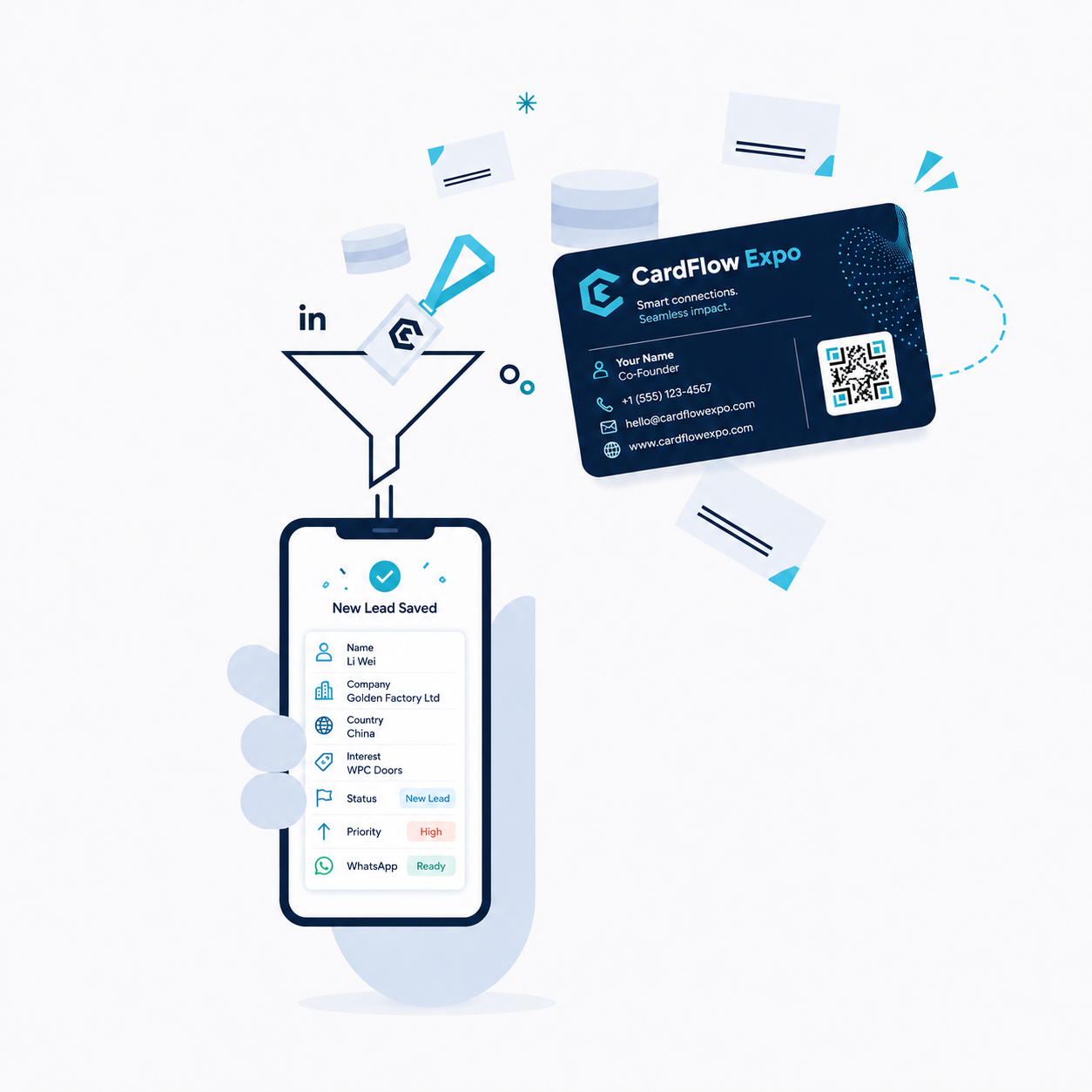
1. Scan -> Save Lead -> Follow Up
Turn a business card or QR capture into a saved lead that is ready for organized follow-up.
Demo walkthrough
See how CardFlow Expo works quickly.
Review the buyer and exhibitor workflows before your first outreach call or company demo.
Demo walkthrough
Mobile-first trade show system
No fake video is embedded here. Use the walkthrough below for demos until the real product video is ready.
A quick view of the buyer and exhibitor workflow using real CardFlow marketing visuals.
Turn a business card or QR capture into a saved lead that is ready for organized follow-up.
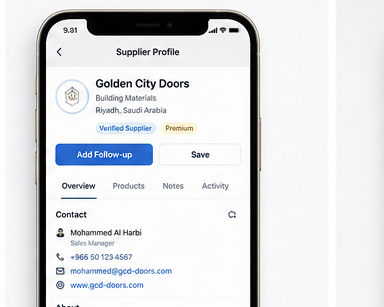
Review extracted contact details, then save the supplier with products, notes, and follow-ups.
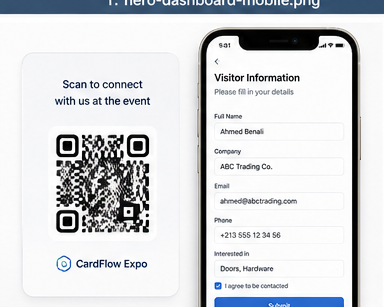
Exhibitors can let visitors scan a QR form and submit contact details with consent.
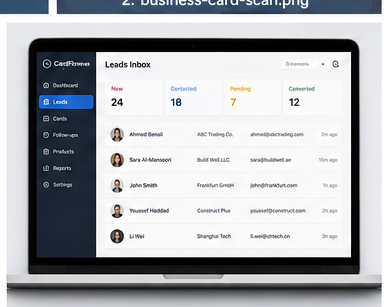
Manage leads and follow up manually with user-reviewed WhatsApp links.
Suggestions help speed up entry, but users verify details before saving.
CardFlow prepares text links. The user taps Send inside WhatsApp.
Android users install from Google Play. iPhone users can use the web app.
Use these pages to prepare for exhibitions, card capture, and product catalog questions before the demo.