Independent exhibitor and buyer guide
Big 5 Global 2026 Dubai: Lead Capture for Construction and Building Materials Exhibitors
- Dates
- –
- Venue
- Dubai World Trade Centre
- Location
- Dubai, UAE
- Industry
- Construction and building materials
Big 5 Global 2026 at a glance
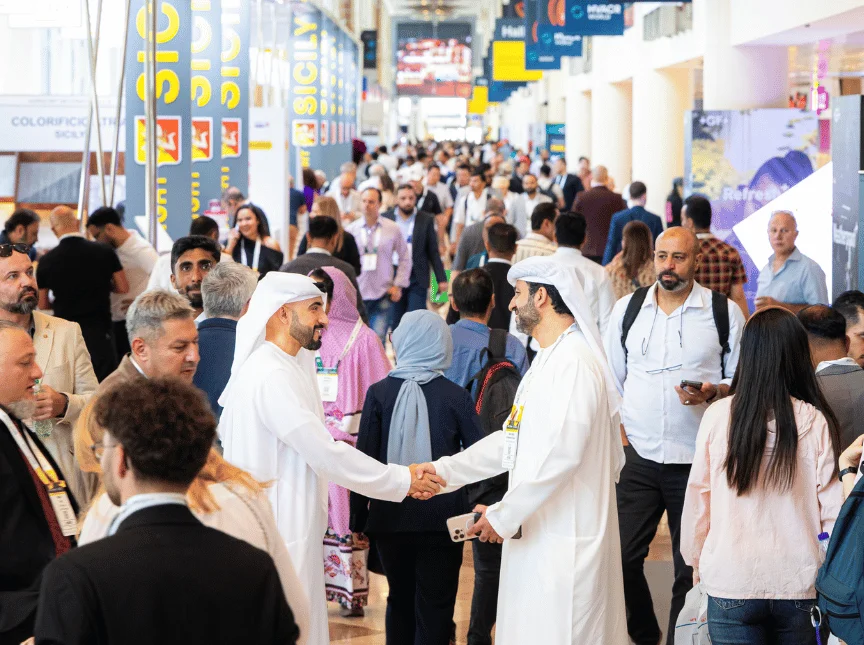
Big 5 Global is a major construction and building industry exhibition in Dubai, bringing together suppliers, products and professionals working across construction and urban development. Exhibitors and buyers use events like this to meet suppliers, compare products and exchange business contacts.
The official event website and the Dubai World Trade Centre listing confirm 23–26 November 2026. For registration, tickets and participation arrangements, use the organizer’s website. CardFlow Expo is an independent tool that helps companies organize contacts and follow-up around exhibitions.
Official references: Big 5 Global · Dubai World Trade Centre event listing
Why this event matters for exhibitors
For building materials companies, door and finishing companies, contractors, suppliers, distributors and manufacturers, a useful booth conversation needs a clear next step. Buyers looking for products and quotations may need specifications, images or delivery details before they can move forward.
Prepare a public company page, a focused product catalog and product detail pages to answer those questions. Business card scanning and QR visitor forms help connect a contact with the product they asked about, giving your team useful context for the next conversation.
How exhibitors can use CardFlow Expo at Big 5 Global
01
Scan business cards at the booth
Scan a visitor’s business card while the conversation is fresh. Review the extracted name, company, phone number and email before saving; a clear card photo and a quick check help prevent follow-up mistakes.
02
Save buyer contact details
Keep the buyer’s contact details with the meeting notes. Record their role, company and preferred way to receive information so the colleague handling the enquiry understands the discussion.
03
Add product interest notes
Note the product, dimensions, finish, quantity and delivery destination discussed, where relevant. For a door enquiry, for example, record the requested size and finish rather than leaving only a general “interested” note.
04
Use QR visitor forms for quote requests
Place your visitor-form QR code where buyers can scan it. Ask the buyer to leave contact details, choose a product interest and describe the quotation request in the message field. Test the form before printing the code.
05
Share company and product pages with buyers
Use your public company page as a single place to introduce your business and product catalog. Share a specific product detail page when discussing an item so the buyer can revisit its published images and specifications after leaving the booth.
06
Follow up after the exhibition
Review the saved notes and start with buyers who requested a quotation or a next meeting. Send a relevant product link and a personal message manually through WhatsApp or your own email, then record the next action. Confirm prices and delivery terms directly with the buyer.
How buyers can use CardFlow Expo
Save suppliers in one place
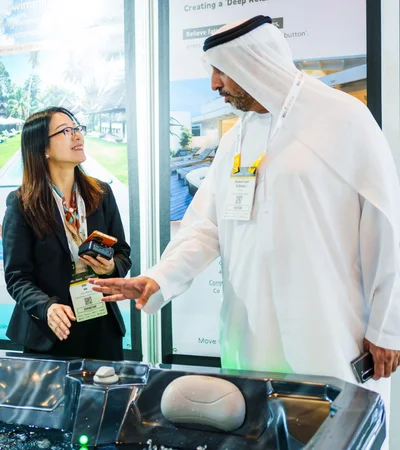
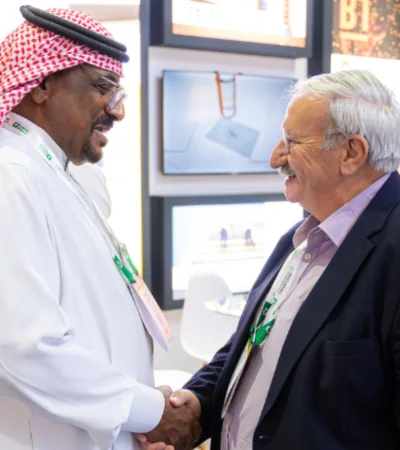
Scan supplier business cards and review each saved contact. Keep the company name and your meeting notes together so you can find the right person when procurement questions come up.
Compare companies and products
Revisit saved supplier details and any company or product pages they share. Use your notes to compare specifications, quotation terms and delivery information supplied by each company; confirm missing details directly.
Keep notes after booth visits
Write down what was discussed before moving to the next booth: the product, a sample to request or a question still unanswered. Add the booth location if you want to return later.
Request quotes with useful details
If a supplier shares a QR visitor form, submit the product interest and quotation request there. Otherwise, contact the saved supplier manually and include quantities, specifications and the delivery destination.
Avoid losing paper cards and catalogs
Save contacts and keep links to the product information you need instead of relying only on a stack of paper. Check that each saved contact has enough context to make sense when you return to the office.
Practical exhibition checklist
Before the event
- Prepare your company page and check the contact information.
- Add your real products, current descriptions and clear images.
- Print and test the QR code for your visitor form.
- Prepare follow-up categories such as quotation requested, sample requested and later contact.
During the event
- Scan business cards and review the details before saving.
- Collect enquiries through the QR visitor form.
- Label buyer interests in the form or contact notes.
- Add meeting notes and the agreed next step.
After the event
- Follow up manually by WhatsApp or your own email.
- Export saved supplier contacts if CSV export is available on your plan.
- Prioritize serious buyers with specific requirements and clear next steps.
- Review product requests and prepare the promised information or quotation.
Official sources and visit planning
Event facts checked on 21 September 2026. Use these official sources for the latest event information and travel guidance:
Frequently asked questions
When and where is Big 5 Global 2026?
Big 5 Global 2026 takes place from 23–26 November 2026 at Dubai World Trade Centre in Dubai, UAE. Confirm the latest arrangements on the official event website before travelling.
Is CardFlow Expo the official app of Big 5 Global?
CardFlow Expo is not the official organizer, sponsor, partner, or official app of Big 5 Global. Always confirm dates, venue, registration, tickets, and participation details from the official Big 5 Global website.
How can a construction exhibitor prepare for follow-up?
Prepare a company page, product details and a QR visitor form. During meetings, review scanned business cards and save product interests and notes. After the event, use those details to follow up manually with each buyer.
Prepare your exhibition workflow
Try the demo, review the plans and explore the tools for keeping booth conversations organized from the first scan to the next follow-up.